Print All Daily Reports

Contents
Print All Daily Reports button allows the manger/lead to print a group of daily reports at one time.
To print the daily reports
1.From the main tool bar, select Office Function> Open/Close Console. The Open/Close Console screen displays.
2.Click the  button to print the following reports.
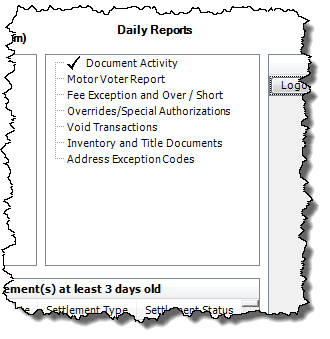
•Title Document Activity
•Motor Voter Report
•Fee Exception and over/short
•Overrides/Special authorizations
•Void Transactions
•Inventory and title documents
•Address exception codes
Notice in the Daily Reports box, each report is checked off as it is sent to the printer.
3.Once completed mySelect will display this message box.
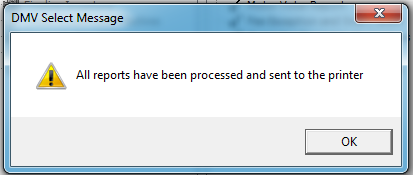
4.Click OK to continue.
5.Click the Close  button to exit the screen.