Motor Carrier Customer Inquiry

Contents
The Motor Carrier Customer Inquiry transaction displays the following information about a Motor Carrier:
•Customer Number
•DOT Number
•Motor Carrier Number
•Freight Forwarding Number
•State Corporation Commission Number
•Customer Information (Name, Trade Name, Organization Type, UCRA Base State, Establish Date, FIPS)
•CLP Information
•Suspension/Revocation Fee Requirements
•Insurance Information
•Customer Address Information
•Additional Customer Number Information (IFTA Number, CSS Number, Liquidated Damages Number, SSN/FEIN, Fuels Tax Number, IRP Number, IRP Jurisdiction
To process a Motor Carrier Customer Inquiry
1.If not already open, Open the Customer Console.
2.In the Direct field, enter ISICUS, then press the Enter key. The Motor Carrier Customer Inquiry transaction form appears.
 If you do not have any of the motor carrier-related numbers and only know part of the motor carrier's name, you can do a Motor Carrier Name Inquiry.

1.Enter a few letters of the Motor Carrier's name in the Customer Name field. 2.Click the Inquire
3.To see more names, click the More Data Available button. 4.To select a Motor Carrier, click the |

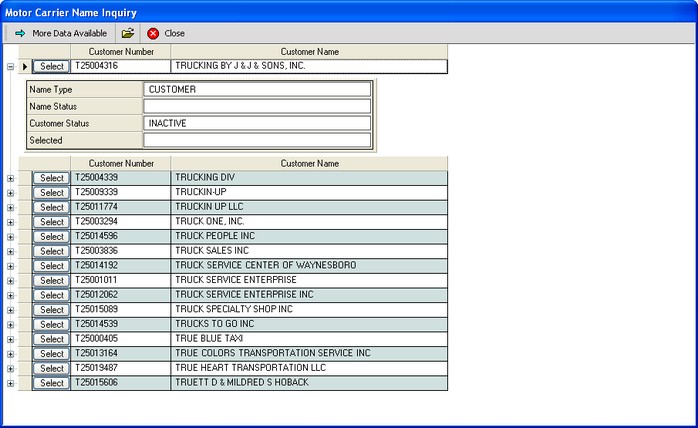
 button.