Pre-Compliance Add

Contents
The Pre-Compliance Add transaction allows us to process fees owed to DMV and/or court receipt information prior to receiving documentation from the court system.
To perform a Pre-Compliance Add transaction
1.If not already open, Open the Customer Console.
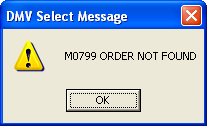
2.In the Direct field, enter COMORD, then press the Enter key. A DMV Select message appears as follows, which confirms the documentation has not been received from the court system.
3.Click the OK button. Another DMV Select message appears advising fee payment and/or court receipt information entry is allowed.
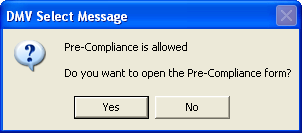
4.Click the Yes button. The Pre-Compliance Add transaction form appears.
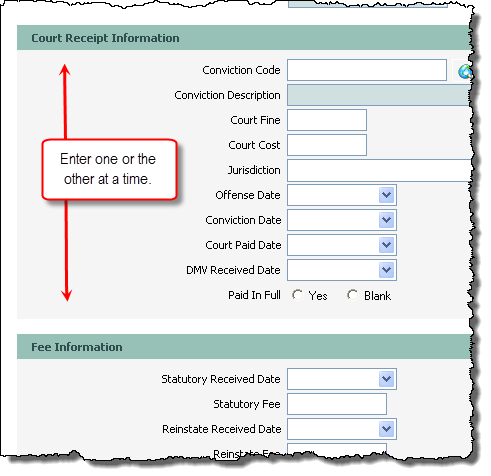
5.You can do one of two things:
a)If the customer has a court receipt, enter the appropriate information in the Court Receipt section, or
b)If the customer is making a fee payment, enter the appropriate information in the Fee Information section.
 Only one fee payment for either reinstatement, statutory, or vehicle administrative fees can be processed at a time. To pay more than one, you must process the Pre-Compliance Add transaction again, selecting the appropriate fee type.
 If you need to add Court Receipt information and make a fee payment, you must process this Pre-Compliance Add transaction once for each activity.
 |
| Click to view full size |
6.Click the Process  button. The Transaction Details dialog appears.